
Tickets to Year 12 graduation available now! Click Here
Learning at Broadford
Curriculum, assessment, technology, pathways and enrichment information for students and families.
Clear curriculum
Families can see what students are learning and how subjects connect across year levels.
Meaningful feedback
Assessment and reporting information helps students understand progress and next steps.
Future pathways
Careers, subject choices and enrichment opportunities help students plan with confidence.
Learning pages
Find the right learning information
Each page gives families clear access to curriculum details, classroom resources, technology guidance, pathways and enrichment opportunities.
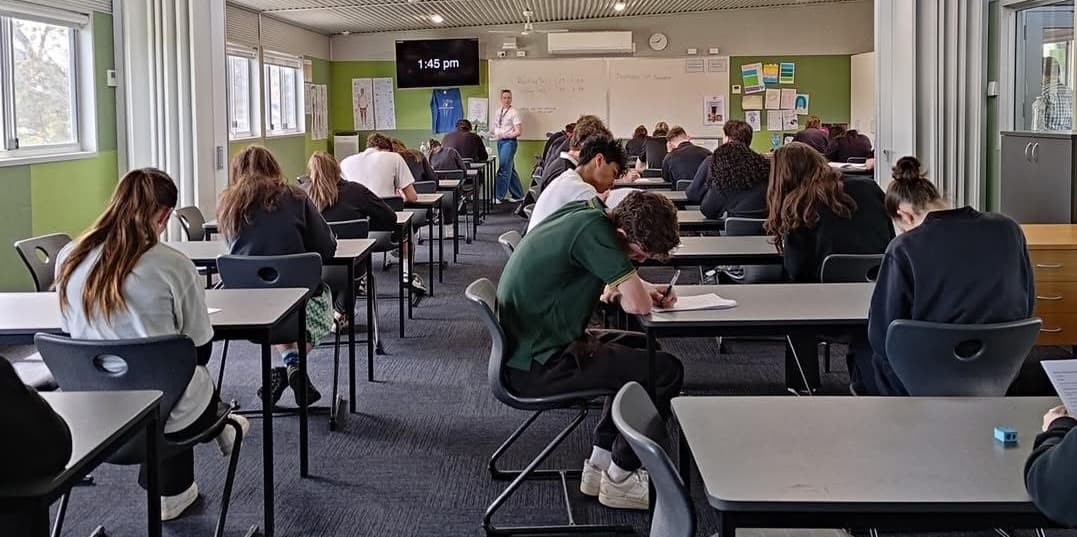
FeedbackAssessment & Reporting
Understand feedback, progress reports, semester reports, PAT testing and NAPLAN.
 Curriculum
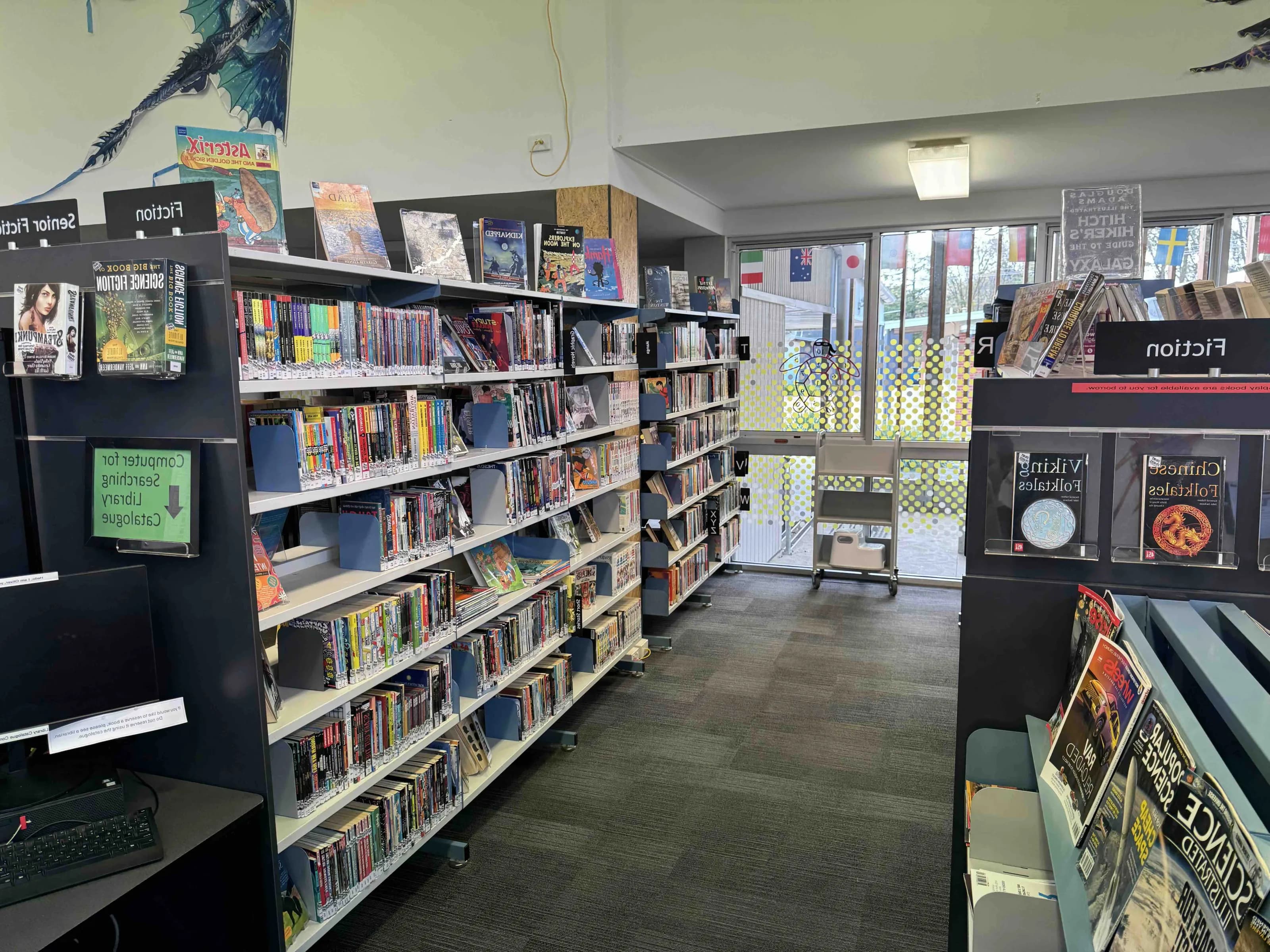
Scope & Sequence
View the learning areas, topics and planned assessment points across Years 7 to 10.
 Resources
Booklists
Find year-level booklists, subject requirements and learning materials for the school year.
 Technology
BYOD
Read device program information, technology expectations, device guidance and FAQs.
 Pathways
Careers
Explore career education, VET pathways, work experience, subject planning and transitions.
 Japanese
LOTE
Learn about Japanese at Broadford and how language learning builds confidence and culture.
 Student life
Extracurricular Activities
Discover sport, arts, performance, clubs, leadership and enrichment opportunities.
Years 7 to 12
Learning information is organised around what families most often need: curriculum, feedback, resources and future pathways.
Connected learning
Curriculum, feedback and pathways belong together.
The Learning hub brings together the practical information families need through the school year, from booklists and devices to assessment, subject planning and career pathways.
Curriculum documents
Assessment guidance
Device program
Careers and transitions
Explore
Move between school information hubs
Learning works alongside wellbeing support and family information across the wider school site.
Need help finding something?
Contact the college team.
Families can contact the office for help with learning pages, documents, school systems or the right staff member to speak with.