School email
Students receive a BSC school email account.
Tickets to Year 12 graduation available now! Click Here
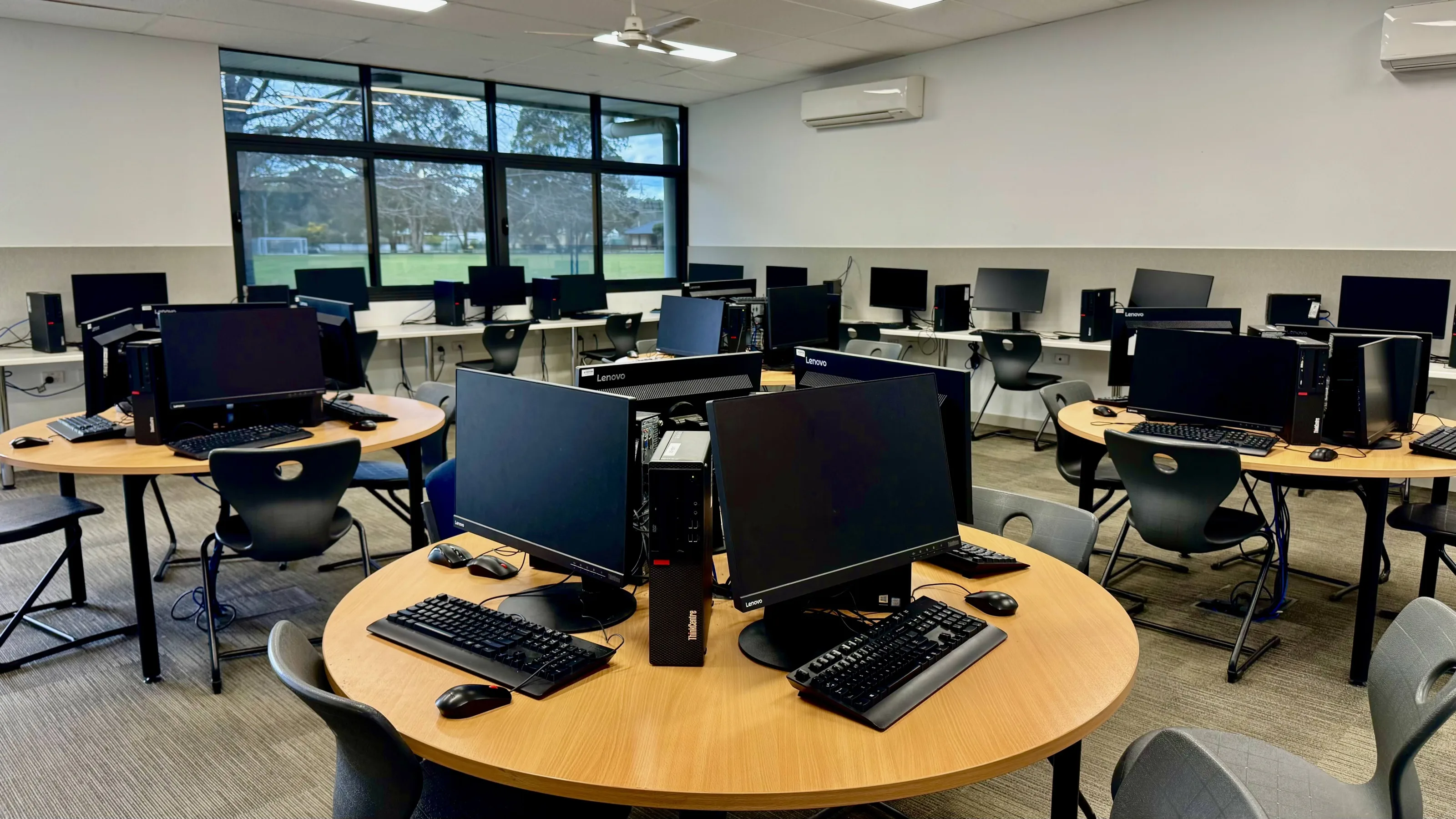
At Broadford Secondary College, technology helps bridge the gap between school and home while providing students with engaging learning opportunities. In 2026, we strongly encourage students to own a 1:1 device to support their learning.
Device guide
A dependable device connects every part of the school day.
Broadford Secondary College
Student Hub
Ready for learning.
Next lesson · 10:05
Year 9 Science · Room 12
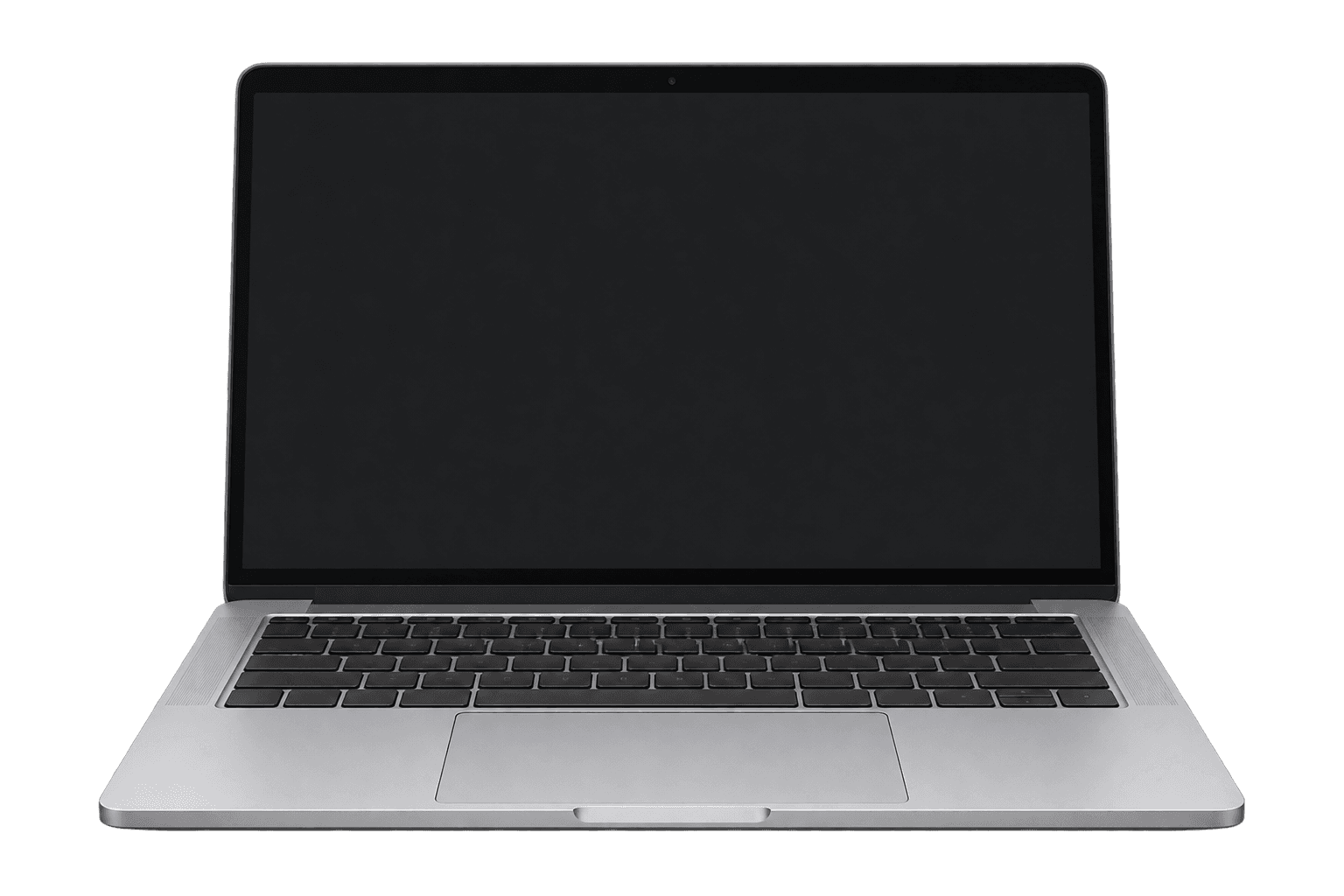
A laptop-style device with a keyboard is recommended for daily classroom learning.
BSC is no longer recommending iPads as the main 1:1 learning device.
Students interested in art-based subjects should consider a device with pen support.
Important note
These specifications are intended as supportive guidance only. There is no required device, brand, or model at Broadford Secondary College. Students without a device will be supported, and any existing device can be used.
Students without a device will still be supported. This page is designed to help families make informed purchasing decisions where they choose to buy or upgrade a device.
What BSC provides
Families are not required to purchase the core software students will use for learning at BSC.
Students receive a BSC school email account.
Students can create, edit, share, and store documents online at school and home.
Students have access to Microsoft applications such as Word and PowerPoint.
Families are not required to purchase these learning applications separately.
Guide for BYOD
The guide below provides practical recommendations for families considering a device for different year levels.
Years 7 & 8
A practical device for digital literacy, writing tasks, online learning platforms and everyday classroom activities.
Years 9 & 10
A more reliable device for research, multitasking, presentations, subject work and regular daily learning.
VCE / VCE-VM
A stronger device for extended writing, independent study, larger documents and multiple learning tools at once.
Art-based subjects
If your child is interested in undertaking art-based subjects, it is strongly recommended that families consider purchasing a device with a pen that supports the Adobe suite.
What to avoid
School network
While on the school network, required learning applications may be installed or made available. Some applications, such as VPNs, may be blocked to prevent inappropriate use on school grounds.
AI at school
BSC is implementing an AI Policy where staff and students can use AI safely. In 2026, senior students will be provided with monitored ways to utilise AI for learning.
Home use
Students are expected to take their device to and from school each day and bring it fully charged for learning.
Frequently asked questions
Helpful information for families preparing for the 2026 school year.
No. It is not compulsory, however it is strongly recommended so students can access the full range of learning opportunities available at BSC.
Not always. Lessons include a variety of learning activities, some with devices and some without. Students are still encouraged to bring their device to every lesson.
Students should use a protective case and store their device securely in their locker during break times.
Yes. Families may install specific software required for subject areas at their discretion. Some applications, such as VPNs or games, may be blocked on the school network.
BSC is implementing an AI Policy to support safe and responsible use. Many AI programs are currently blocked on the school network due to image generation concerns. In 2026, senior students will be provided with monitored ways to use AI.
Yes. Students will be able to print from school.
No. Students are expected to bring their device to school fully charged each day.
The school can support students with connecting their device to the school network and basic troubleshooting. Physical repairs remain the responsibility of families.
No. Families are responsible for insuring devices if they choose to.
No. Students can access the school network while at school. Families with home internet may also connect the device at home.
More information
For more information, please contact Mitch Smith, Leading Teacher, or Himanshu Khurana, IT Manager, at Broadford Secondary College.